Monthly Overview
12 undated monthly pages with space for priorities, goals and a simple monthly overview.
The Clarity Planner is a minimalist, fully hyperlinked digital planner for GoodNotes, Notability and other PDF note-taking apps. Plan your months, weeks, habits and goals without being locked into a specific year.
34-page PDF · Instant download · Works on iPad, Android tablets & desktop
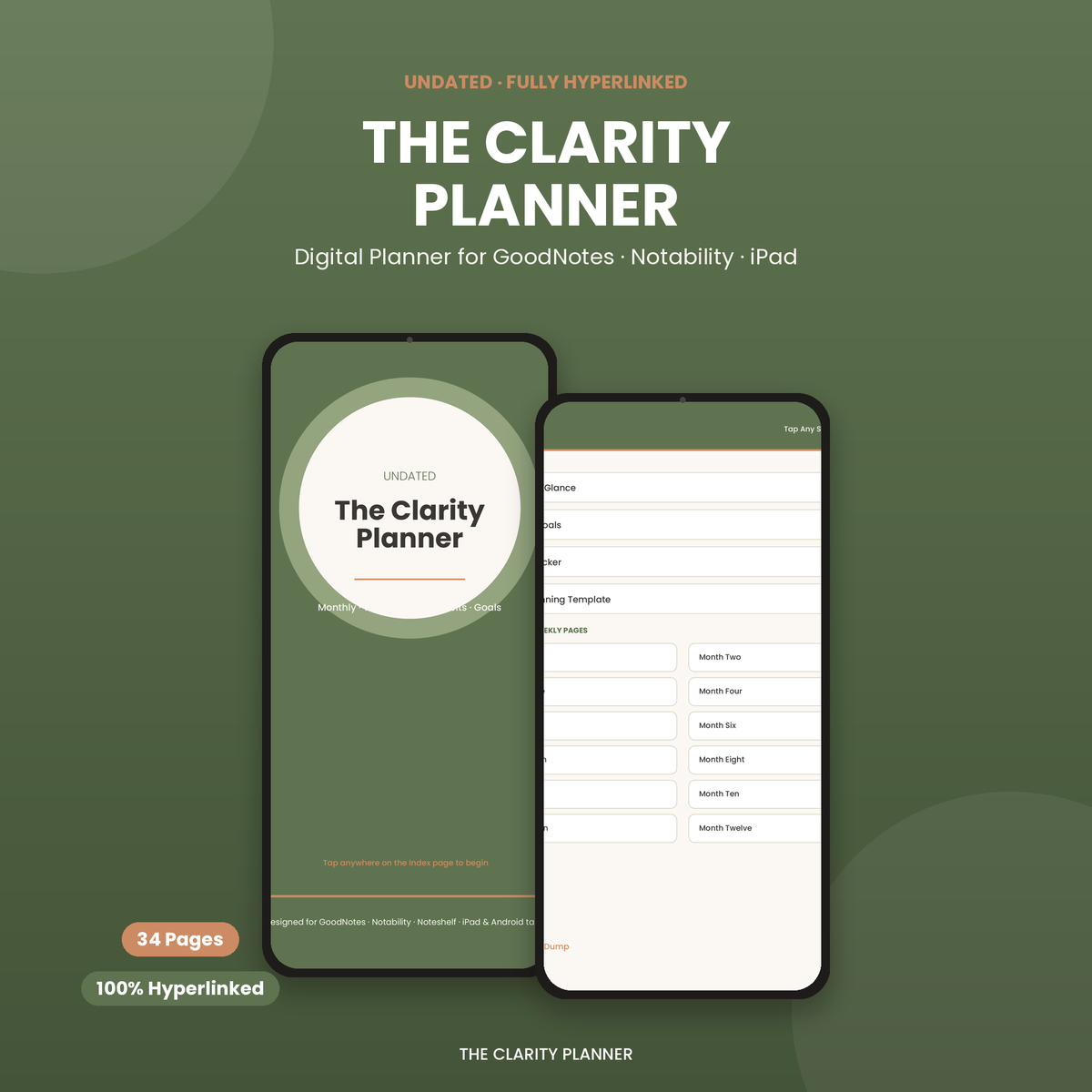
Everything you need for simple digital planning without a huge, complicated template.
12 undated monthly pages with space for priorities, goals and a simple monthly overview.
Clean weekly spreads designed to help you organize tasks, priorities and important plans.
A simple 31-day habit tracker that lets you monitor up to eight habits at a glance.
Jump between important sections using the planner's built-in PDF hyperlinks.
An undated digital planner is a reusable planning PDF that does not have a fixed year or calendar dates printed on every page. Instead, you choose when to start using it. This makes an undated planner useful if you want flexibility rather than committing to a planner at the beginning of January.
The Clarity Planner is designed around that idea. You can download it today, start planning immediately, and use the same planning system whenever you need it.
You do not have to wait for a new year or throw away unused pages when your routine changes. An undated planner can be useful for students, creators, professionals and anyone who wants a simple digital planning system.
The planner is provided as a hyperlinked PDF, so you can import it into compatible PDF note-taking applications.
GoodNotes users can import the PDF and use the planner's hyperlinks to move between sections. This makes it easy to switch from monthly planning to weekly pages without manually scrolling through the entire document.
The Clarity Planner can also be imported into Notability as a PDF. Once imported, you can use compatible PDF links to navigate through the planner.
You can use the planner on an iPad with a compatible note-taking or PDF annotation application. It works especially well with Apple Pencil-style handwriting workflows.
You do not need an iPad to use this planner. Android tablet users can open the PDF in compatible applications such as Xodo or Noteshelf.
Getting started takes less than a minute.
Click the download button and save the free planner to your device.
Open or import the PDF in GoodNotes, Notability, Noteshelf, Xodo or another compatible application.
Use the index and hyperlinks to jump between sections and begin planning immediately.
Get the complete 34-page undated digital planner as a PDF. No account and no email address are required.
Cheap gadgets and desk accessories, tested and reviewed — so you don't waste money on the bad ones.
Join the free list for new digital planners, useful templates and interesting budget-friendly tech finds. No spam and you can unsubscribe anytime.
Subscribe FreeWe create simple, minimalist digital tools — like The Clarity Planner — and share honest reviews of budget-friendly tech and desk gadgets from AliExpress on our blog. No fluff, no fake hype, just what's actually worth buying.
Everything you need to know before downloading the planner.
Yes. The Clarity Planner is free to download. You do not need to create an account or provide your email address.
Yes. The planner is provided as a hyperlinked PDF that can be imported into GoodNotes.
Yes. You can import the PDF into Notability and use compatible PDF hyperlinks for navigation.
Yes. Android tablet users can use compatible PDF applications such as Xodo or Noteshelf.
It is completely undated. You can start using it at any time and use the planning system whenever you need it.
No. The planner can be used on compatible Android tablets, computers and other devices that support PDF note-taking or annotation applications.
Yes. The PDF can be printed, although it is designed primarily for digital use. Hyperlinks work inside compatible PDF apps, not on printed pages.
The Clarity Planner currently contains 34 pages.